Introduction to PWCT
A general-purpose visual programming tool designed for novice and expert programmers.
There are many visual programming languages but most of these languages are domain-specific languages that are used in education. But with respect to general-purpose visual programming languages, there are few of them.
The Programming Without Coding Technology (PWCT) is a general-purpose visual programming tool designed for novice and expert programmers. PWCT can be used as a tool to learn programming concepts also it can be used to develop large and/or complex software.
PWCT was conceived in the late 2005 and its implementation was started in January 2006.
PWCT 1.0 was released on 18 October 2008 and PWCT 1.9, a major, backwards-compatible release, was released on 7 May 2013 after a long period of testing.
The latest release of PWCT 1.x is PWCT 1.9 (Art) Rev. 2025.05.03
PWCT is free-open source project (https://doublesvsoop.sourceforge.net).
The visual source inside PWCT is designed using the Goal Designer where the programmer can generate the steps tree through the interaction with the visual language components.
Inside PWCT, the visual source is a collection of goals, each goal contains tree of steps and each step/node inside the steps tree may contains one or more of data entry forms. Steps tree uses colors that tell the programmer about the step type. Some steps allow containing sub steps, other steps don’t allow this, also some steps is not more than comments for the programmer. The steps tree gives the programmer two dimensions where the relationship between the node and another node could be “next to” or “contains” where the programmer can go depth-first or breadth-first when he/she interacts with the steps tree.
The programmer can use the dimension “contains” to do an operation on a group of steps/nodes at the same time (move up / move down / cut / copy / delete).
The programmer can use the form designer to design the user interface.
The programmer can use the time dimension where he/she can know when each step is created (Date & Time) and can move along the time dimension to see only the steps at any point during the development process.
Inside the Goal Designer, the user can use the mouse or the keyboard to select the visual components and generate new steps in the steps tree. Using the mouse, the programmer can explore the environment to see the components that are ready for use. Using the Keyboard by typing the component name, the programmer can quickly get any component and start using it.
The PWCT visual programming language components are classified into the next categories:
Visual Components that generate source code in the Harbour programming language.
Visual Components that generate source code in the Supernova programming language.
Visual Components that generate source code in the Python programming language.
Visual Components that generate source code in the C programming language.
Visual Components that generate source code in the C# programming language.
The programmer can extend PWCT to support code generation in any text based programming language.
PWCT is a visual programming language and reading the text based code is optional.
The programmer can create and modify the programs using the visual source without any interaction with the text based source code.
File then NewConsole Application without codingHello.SSF
Ctrl+W.
Ctrl+W.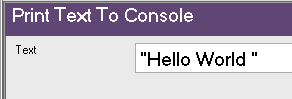
Ctrl+R to run the application.
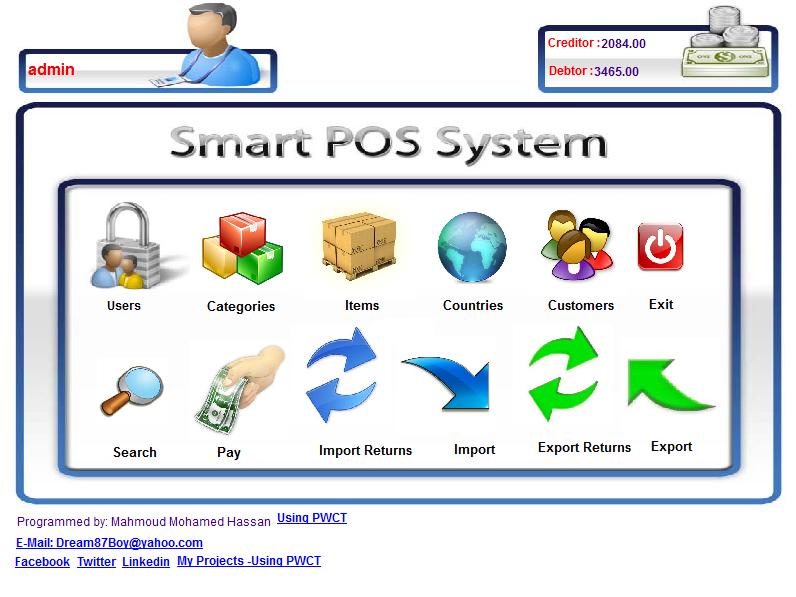
Some of the open source projects that are developed using PWCT are as listed below:
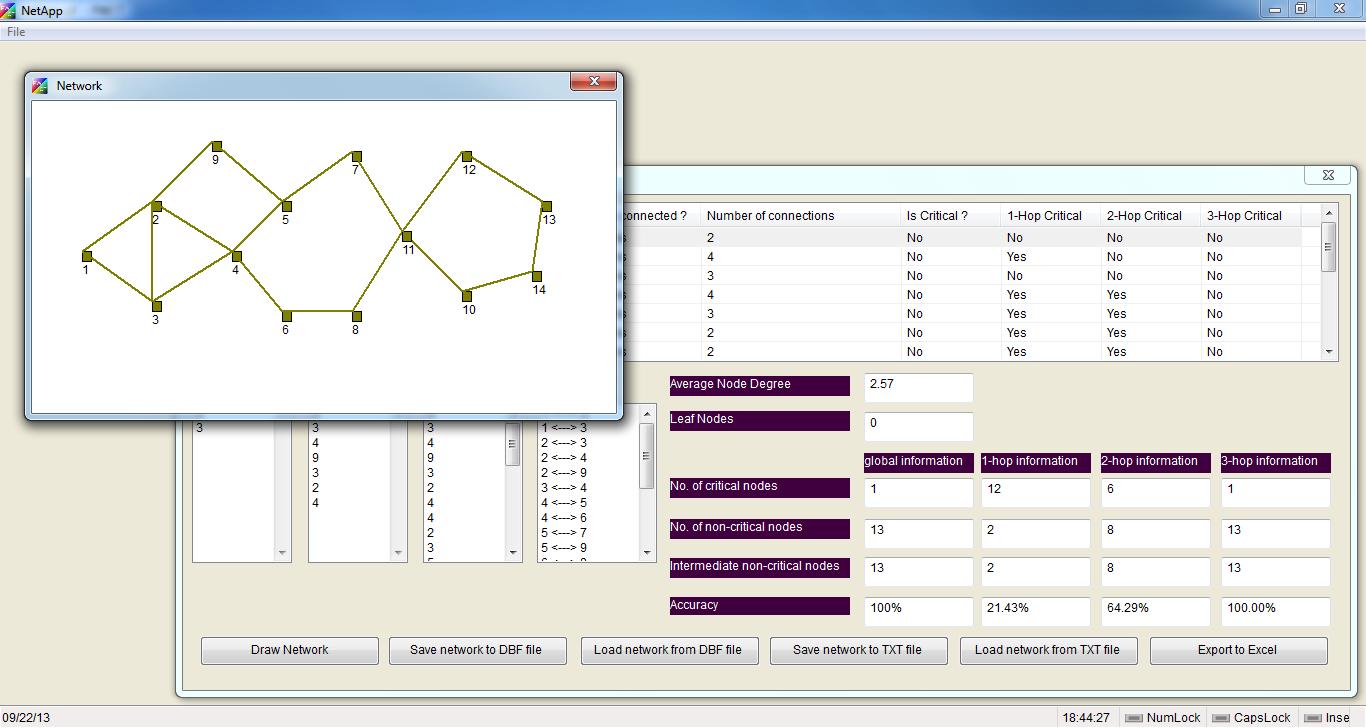
A Free Open Source Implementation of a new Localized Algorithm for detection of Critical Nodes.


A Modern scripting language and the first one that presents the concept of programming with direct fiction description using a clear subset of pure human language. Supernova started as a research and example about what we can do using PWCT.


You can read more about Supernova from this article.
If you want to learn programming, create applications/systems or get some new ideas about visual programming in the practice then you can look at PWCT, try it, then decide for yourself if it’s useful for you or not.